Scan to Files
Scan to the Files app as a searchable PDF.
Scan a page, tap Export PDF, then Save to Files. ScanWow reads the text on your device, so the PDF is searchable in Files. Free to try, and $4.99 once for Pro in the US.
Three steps to Files
-
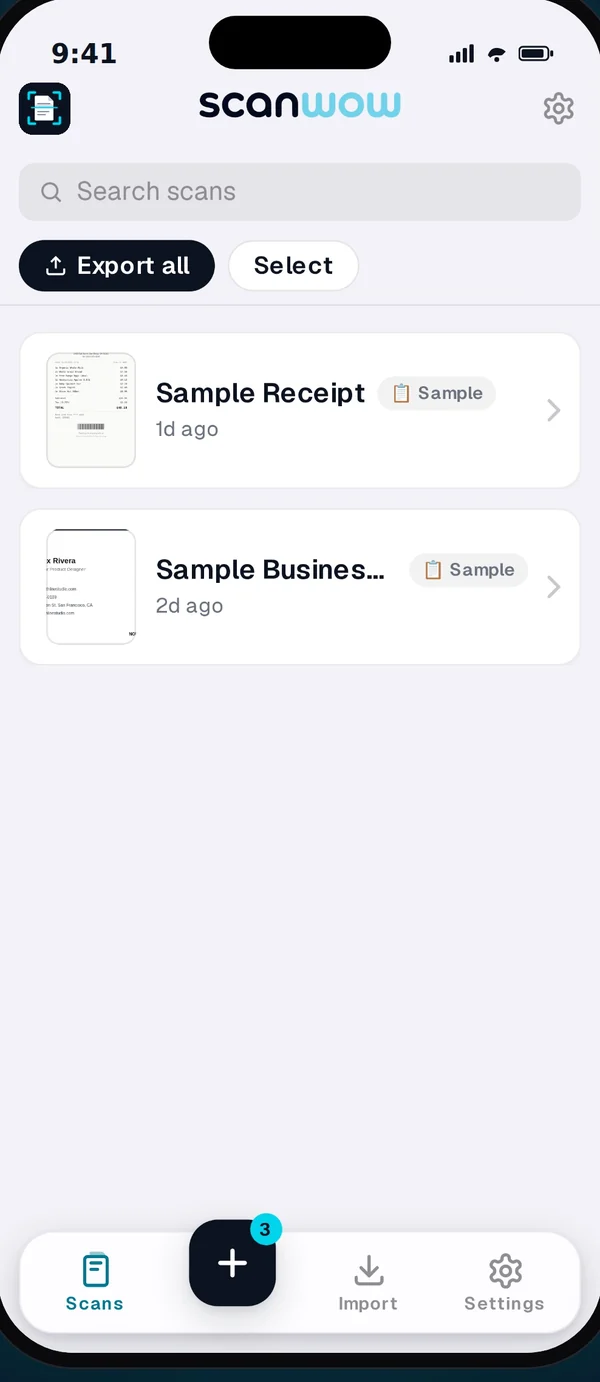
Scan
Tap + and scan a page or a whole document. ScanWow finds the edges and crops for you, and reads the text on your device.
-
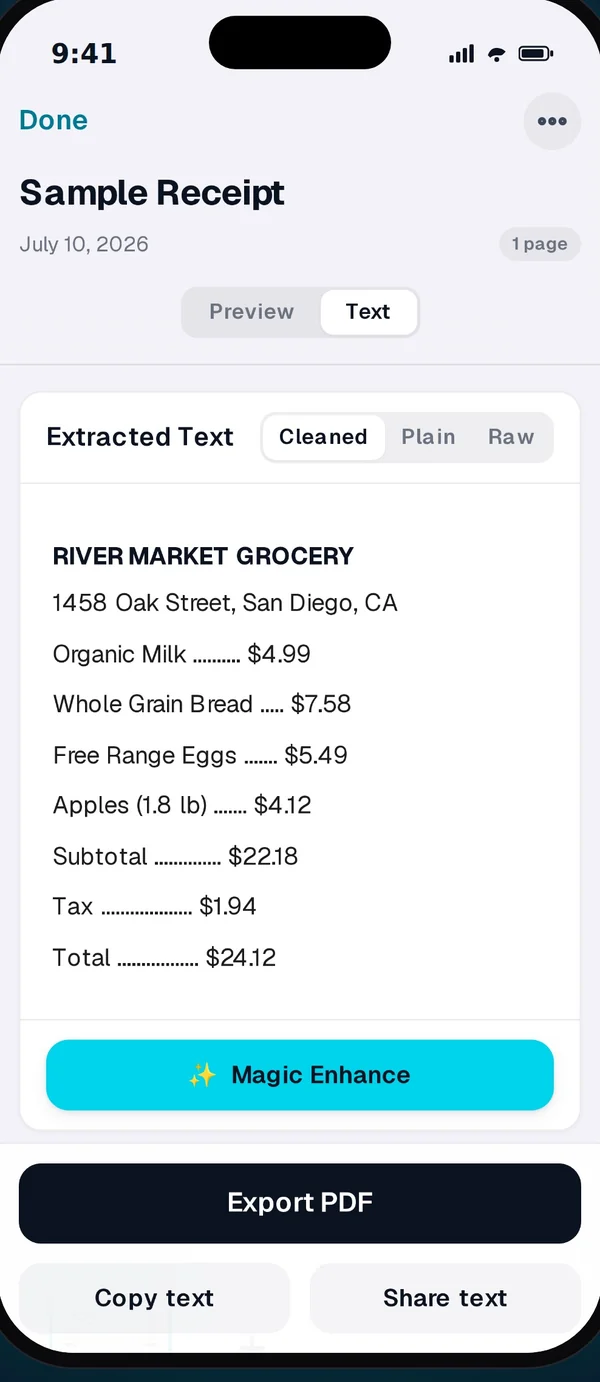
Save to Files
Open the scan and tap Export PDF. In the iOS share sheet, tap Save to Files and pick a folder, like one in iCloud Drive.
-
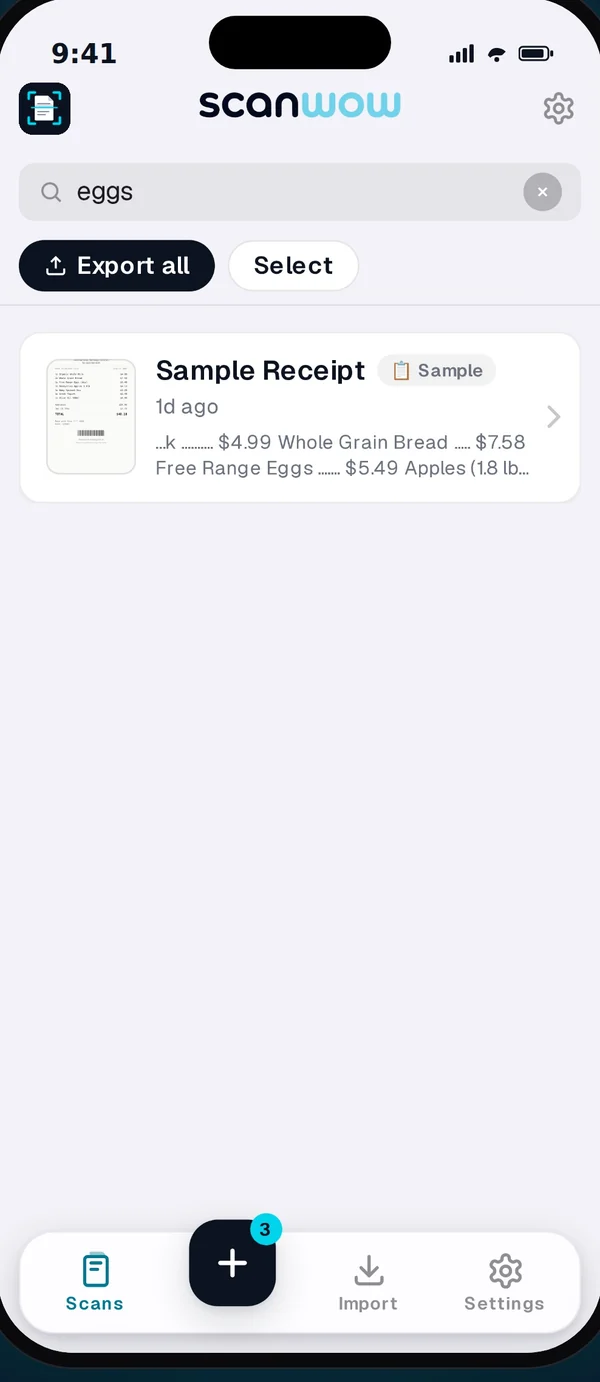
Search it
Search inside your scans in ScanWow. Once saved, the PDF is searchable by its words in the Files app too.
What you can do with the PDF
- Search it in the Files app, and in Spotlight and Preview on a Mac once it syncs through iCloud Drive.
- Select and copy text straight from the PDF in any PDF reader.
- Keep the look. The text layer is invisible, so the page is the same image you scanned.
Read on your device
Nothing sent to make it searchable
ScanWow reads the text with Apple's text recognition on your iPhone and builds the text layer on your device at export. Magic Enhance, the optional cloud cleanup, is never used for it. See the private scanner page for when a page does leave your phone.
What is not searchable
A page with no recognized text, like a photo with no words or a page whose text recognition has not finished, is exported as the image only. A clear, well-lit scan gives the best results.
Free to try, then a one-time Pro
Free to try
Download is free. Your first 3 documents are free. A multi-page scan counts as one document, and so does a photo or PDF import. Text recognition, search, and searchable PDF export are included for everyone.
Pro, once
ScanWow Pro is $4.99 once in the US (the App Store shows your local price). Pro adds unlimited scans, Automatic iCloud Backup to your own iCloud, and 1,000 Magic Enhance credits. No monthly fee. See full pricing.
Common questions
How do I save a scan to the Files app?
Open the scan and tap Export PDF. ScanWow opens the iOS share sheet. Tap Save to Files and pick a folder, like one in iCloud Drive.
Can I search the PDF in Files?
Yes, from version 3.0.5. When you export a PDF, every page where ScanWow recognized text gets an invisible text layer placed over the words. The page looks exactly the same, but the Files app can find it by the words on the page. Once the file syncs through iCloud Drive, you can also search it in Spotlight and Preview on a Mac.
Is the text read on my device?
Yes. ScanWow reads the text on your iPhone with Apple's text recognition, and the PDF text layer is built on your device at export. Nothing is sent to us to make a PDF searchable, and Magic Enhance is never used for it.
Do I have to turn anything on?
No. Text recognition runs automatically after each scan, and every PDF export adds the text layer. A page with no recognized text, like a photo with no words, is exported as the image only.
Can I bring a PDF from Files into ScanWow?
Yes. Import a PDF from the Files app or Mail. Up to 20 pages of a PDF become pages of a ScanWow document, and ScanWow reads them like any scan. When you export it, each page gets one text layer, so search results are not doubled.
Is it free?
ScanWow is free to download, and your first 3 documents are free. Text recognition, search and searchable PDF export are included for everyone. ScanWow Pro is an optional one-time $4.99 in the US for unlimited scans, Automatic iCloud Backup and 1,000 Magic Enhance credits. There is no subscription.
Ready to scan into Files?
Free to download. 3 documents free. Pro is $4.99 once. No subscription.
Download on the App Store