Holiday and gift receipts
Scan holiday and gift receipts before they fade.
Scan each receipt the day you get it. ScanWow reads the text on your device, so later you can find a receipt by the store name when you need a return or a warranty claim. Free to try, and $4.99 once for Pro in the US.
Why scan holiday receipts now
Thermal receipts fade
Many store receipts are printed on thermal paper, and the print can fade over time. A scan keeps a readable copy of the store, the date and the total, even if the paper does not last.
Return windows close
Each store sets its own return window, and holiday policies can differ from the usual ones. Check the store's policy, and keep the receipt where you can find it before the window ends.
Warranty claims need the receipt
A warranty claim often asks for proof of purchase. When something stops working months later, a scanned receipt is easy to find by the store name, and you can export it as a PDF.
Gift receipts get lost
A gift receipt is small and easy to lose in a box or a bag. Scan the gift receipts you are given, and the receipts for what you buy, so you have them when you need an exchange.
Three steps for every receipt
-
Scan it
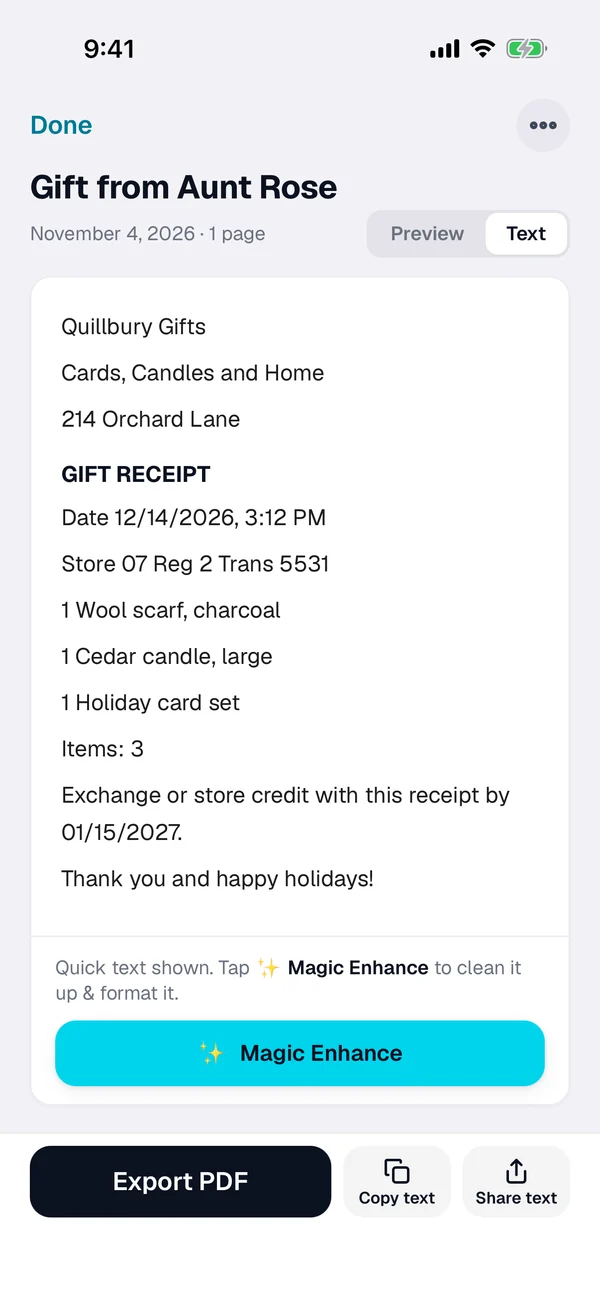
Tap + and scan the receipt. ScanWow finds the edges and crops for you, and reads the text on your device.
-
Check the name
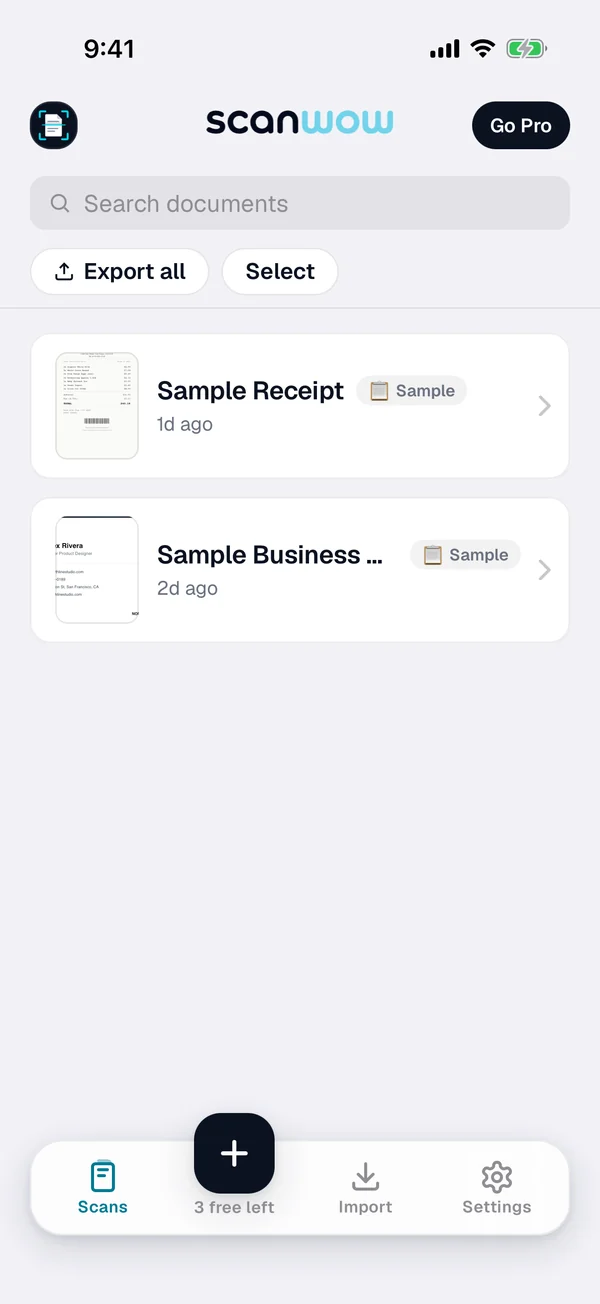
Smart naming suggests a name from the receipt text. Rename it with the store, the date or who a gift came from if you like.
-
Find it later
Search for the store name, the amount or any word on the receipt, and open it again.
Keep a searchable PDF
- Export a receipt as a PDF and Save to Files. From version 3.0.5, the PDF carries the recognized text, so the Files app can find it by the store name too.
- Import receipts that were emailed to you: PDF receipts from Mail or Files (up to 20 pages) and photos from Photos.
Private, and in your own iCloud
Read on your device
ScanWow reads the text on your iPhone, and your scans are not stored on our servers. A page is only sent for AI cleanup when you tap Magic Enhance on it. See the private scanner page for details.
Backed up to your iCloud
With Pro, Automatic iCloud Backup saves your scans to your own iCloud account, not ours. A new device signed in with that Apple Account restores them when you install ScanWow.
Free to try, then a one-time Pro
Download is free, and your first 3 documents are free. A multi-page scan counts as one document, and so does a photo or PDF import. Text recognition, search, and searchable PDF export are included for everyone.
ScanWow Pro is $4.99 once in the US (the App Store shows your local price). Pro adds unlimited scans, Automatic iCloud Backup to your own iCloud, and 1,000 Magic Enhance credits. No monthly fee. See full pricing.
Common questions
Why do store receipts fade?
Many store receipts are printed on thermal paper, and that print can fade over time, often faster with heat or light. Scanning a receipt soon after you get it keeps a readable copy, even if the paper fades later.
How do I find a holiday receipt later?
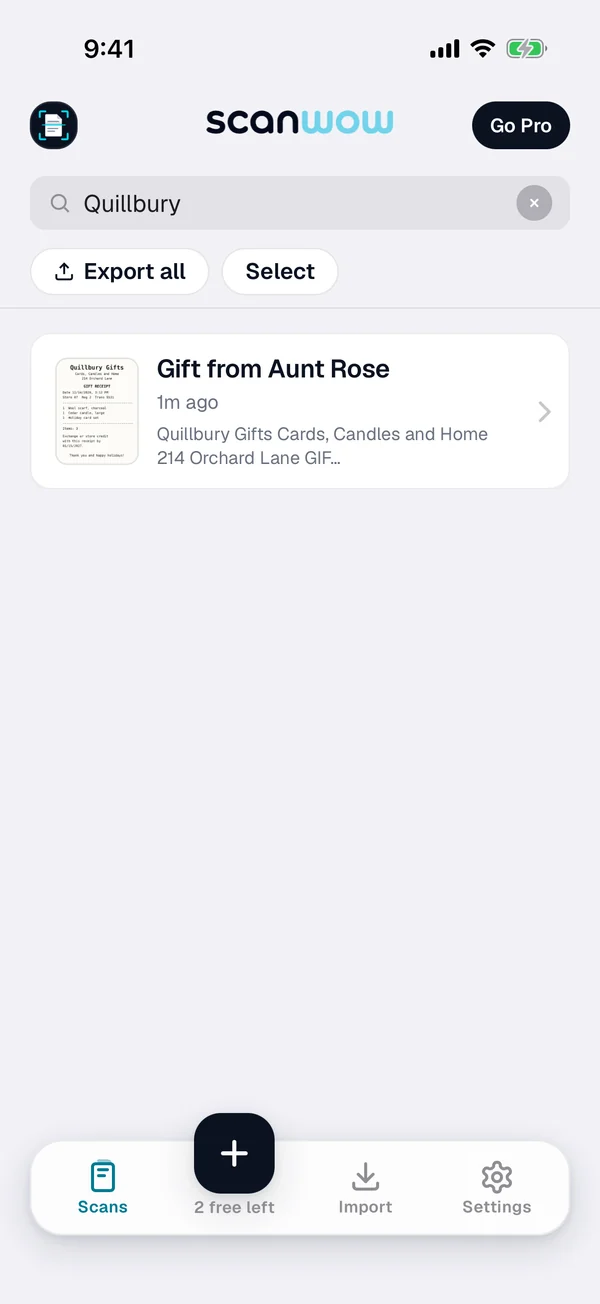
Search for the store name, the amount, or any word on the receipt. ScanWow reads the text on every receipt, and search in the app matches the words and numbers on it, plus the document name.
Can I scan gift receipts too?
Yes. Scan a gift receipt like any other receipt, and rename it with who it came from if you like. Smart naming suggests a name from the receipt text, and you can rename any document.
Will a scan work for a return or a warranty claim?
It depends on the store and the warranty. Many ask for proof of purchase, and some may ask for the original paper receipt, so check their terms and keep the paper when they say so. A scan helps you find the store, the date and the amount, and you can export it as a PDF.
Where are my receipts stored?
On your iPhone. ScanWow reads the text on your device, and your scans are not stored on our servers. With Pro, Automatic iCloud Backup saves your scans to your own iCloud account. You can also export a PDF and Save to Files, for example to iCloud Drive.
Is it free?
ScanWow is free to download, and your first 3 documents are free. Text recognition, search and searchable PDF export are included for everyone. ScanWow Pro is an optional one-time $4.99 in the US for unlimited scans, Automatic iCloud Backup and 1,000 Magic Enhance credits. There is no subscription.
Scan this season's receipts before they fade
Free to download. 3 documents free. Pro is $4.99 once. No subscription.
Download on the App Store